
Khelv Login Problems Solved: Every Error and Its Fix
Khelv login not working? Fixes for wrong password, OTP not received, account locked, page not loading, app crashing and other Khelv login errors.
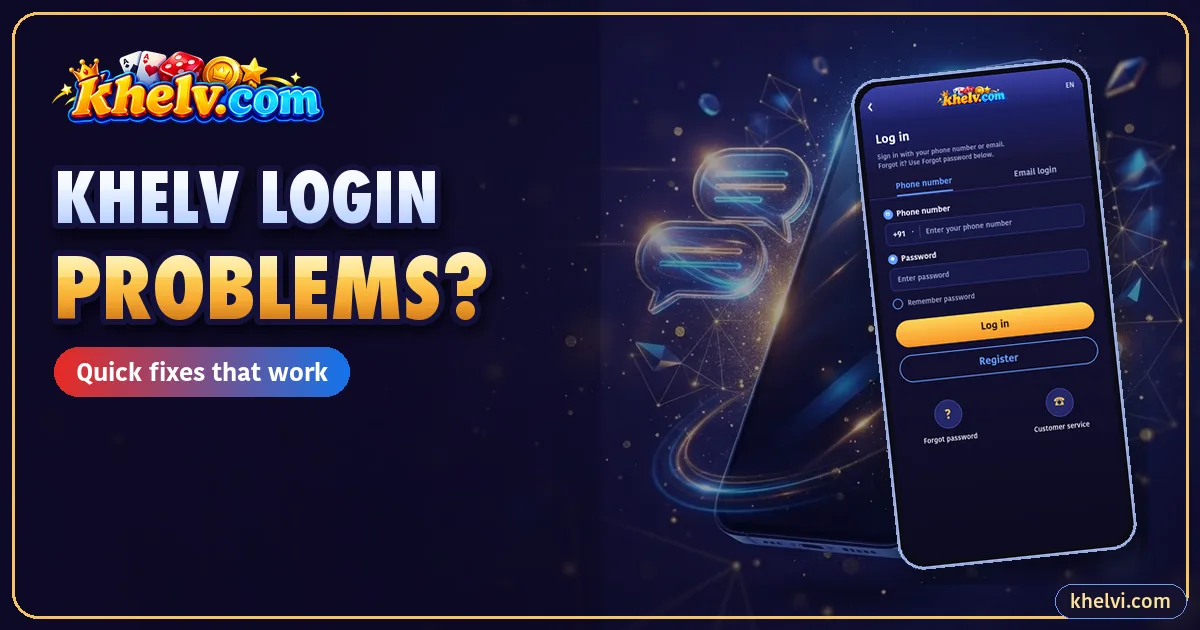
Most Khelv login issues come down to a handful of causes. Find your error below and follow the fix.
1. “Incorrect Password”
Autofill often enters an old password. Clear the field and type it manually, checking caps lock. Still failing? Use Forgot password.
2. “Account Does Not Exist”
You may have registered with a different number. Try any old SIM you used. Do not create a new account until you are sure.
3. OTP Not Received
- Wait 60 seconds before resending.
- Check signal and that the SIM is in this phone.
- Look in spam or promotional SMS folders.
- Turn off DND for transactional messages.
4. “Too Many Attempts”
Wait 10–15 minutes. Repeated guesses extend the lock.
5. Page Not Loading
Switch network, clear browser cache, or use the app. If the domain changed, verify the new one first.
6. App Opens and Closes
Update to the latest APK from the Khelv app download page, or clear the app cache.
7. Logged Out Repeatedly
Your browser may be clearing cookies, or the account is logged in elsewhere. Change the password if you did not log in elsewhere.
8. Login Works but Balance Looks Wrong
Check Wallet → Transactions. If something is missing, contact Khelv customer care with your UID.
9. Logged In on a Fake Site by Mistake
Change your password on the real app immediately and review your wallet history.
Frequently Asked Questions
Why is my Khelv OTP not coming?
Usually signal, DND settings or too many resend requests. Wait a minute and try once more.